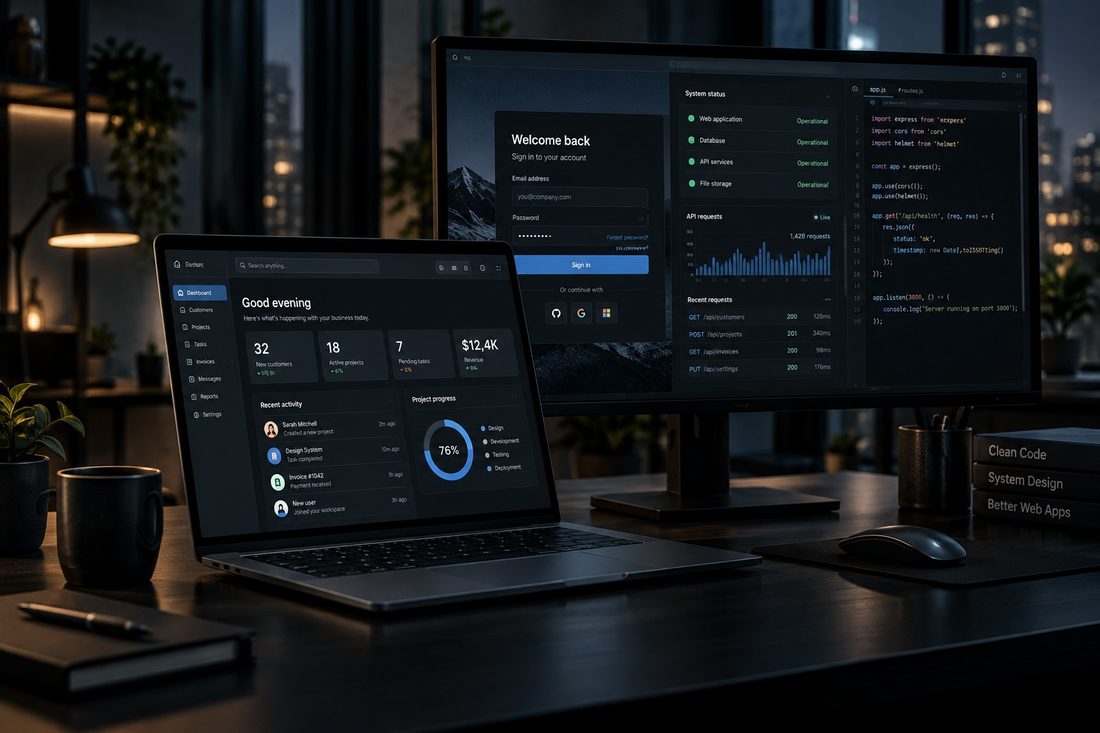
A website mostly presents information. A web application lets people sign in and do work: create records, track jobs, manage customers and produce documents, from any browser. Based in Dundee, working with businesses across Scotland and the United Kingdom.
From £2,285Starting price. Final cost depends on what the project needs.
The usual signal is a spreadsheet that has grown past what a spreadsheet should be asked to do.
Businesses running operations out of shared spreadsheets
Teams needing the same information from more than one location
Anyone whose customers need to log in and see their own records
Businesses where staff work from different sites or from home
Companies paying per seat for software that does most of the job
Operations where the same information gets typed in twice
What it solves
A spreadsheet that only one person really understands
Two people editing the same file and one set of changes vanishing
No record of who changed what, or when
Information rekeyed from one system into another
Off-the-shelf software that does most of it and blocks the rest
No way for a customer to check progress without phoning
What can be included
Not every project needs everything here. The scope is agreed before work starts, and the quotation reflects what you actually asked for.
Access
Secure sign-in
User roles and permissions
Customer, staff and administrator levels
Password reset and session handling
The work
Database designed for what you actually do
Dashboards and search
Records, jobs and workflows
Reports
Document and PDF generation
Connections
Email notifications
API integrations
AI where it genuinely helps
Automation of repeat steps
Running it
Backups
Audit logs
Appropriate monitoring
A clear update process
Web applications let customers or staff sign in, complete tasks, manage records or use a business service through a browser.
Security can include
Secure sign-in, safe password storage and optional multi-factor authentication
Different access levels for customers, staff and administrators
Checks on information entered into forms before it reaches the database
Database commands that keep user input separate from instructions
Secure sessions, limits on repeated requests and protected administration
Logging, backups, updates and a clear recovery process
Application programming interface: a controlled connection that lets two systems exchange information. These connections are authenticated and limited to the access they genuinely need.
What you get out of it
One version of the truth instead of four spreadsheets
Staff and customers see exactly what they should and nothing more
Information entered once and used everywhere
Reports that take a moment instead of an afternoon
Software shaped around your process rather than the other way round
What you receive
A working application, hosted and configured
Accounts set up with the right permissions for each role
Your existing data migrated where there is any
Written documentation of what it does and how
Training for the people who will use it daily
Backups and audit logging running from day one
A support period after launch while everyone settles in
What is needed from you
A walkthrough of how the work happens now, including the awkward bits
Someone who can answer questions as they come up
Access to any system it has to connect to
Existing data in whatever state it is in
Time to review each stage as it lands
Security considered from the start.
Security is considered throughout development, including secure authentication, appropriate permissions for each type of user, validation of everything arriving from a browser, protected API access, encrypted connections and careful handling of the application's own credentials. Where relevant, development practices take recognised guidance from organisations such as OWASP and the UK National Cyber Security Centre into consideration.
Standards and guidance this work follows
Not a certification claim. These are the published references the work is measured against, so the decisions are somebody else's tested thinking rather than only mine.
OWASP
The Open Worldwide Application Security Project. Its guidance on authentication, access control, input validation, session handling and safe error messages informs how anything with a login or a form is built.
Information Commissioner’s Office
UK data protection guidance. Shapes what a form asks for, how long information is kept, what a privacy notice says, and how cookies are handled.
National Cyber Security Centre
UK government guidance on small business security, account protection, device management and backups. Used as the reference point for what good practice looks like.
WCAG 2.2
Web Content Accessibility Guidelines. Colour contrast, keyboard operation, focus visibility and text alternatives, so the site works for people using it in ways you may not expect.
Following recognised guidance is not the same as holding an independent certification, and none is claimed here.
How it works
Understand the work
What happens now, who does it, where it goes wrong. This matters more than any technology decision.
Scope and quote
A written specification of what the application will do, and a fixed quotation for building it.
Build in stages
You see working software early and often, rather than waiting months for one reveal.
Launch and support
Data brought across, people shown how to use it, and support while everyone settles in.
Pricing
Web application
From £2,285
Secure login and user roles
Database designed to fit
Dashboard and search
Records and workflows
Reporting
Email notifications
Backups and audit logging
Testing and handover
What moves the price: how many types of user, how many distinct workflows, whether documents have to be produced, how many outside systems it talks to, and how much existing data needs migrating.
Prices shown are starting prices. Final pricing depends on project requirements, functionality, complexity, integrations and third-party services. A clear quotation is provided before work begins.
Common questions
What is the difference between a website and a web application?
A website presents information: pages someone reads. A web application is software people log into and use to get work done. A booking system where customers pick a slot and staff manage the diary is a web application.
How much does a web application cost?
From £2,285. The range is wide because the work is defined by what it has to do. A single-purpose tool for a handful of staff sits near the bottom; a portal customers and staff both use sits well above it.
Can it replace our spreadsheets?
That is one of the most common reasons people ask. Worth knowing that business automation sometimes solves the problem for a fraction of the cost, and I will tell you if that is the case.
Can different people have different access?
Yes. Roles and permissions are part of the design, so a customer sees only their own records and staff see only what their job requires.
Web application or desktop application?
If people need it from more than one place or from a phone, web. If it runs on one machine and may need to work without internet, a desktop application may suit better.
Privacy-first website: essential storage is used only to remember that you closed
this notice. No analytics or advertising trackers are enabled by this theme.
Read the Cookie Notice
How this service runs
The steps
Drag sideways · Click a card to bring it forward · Esc to close