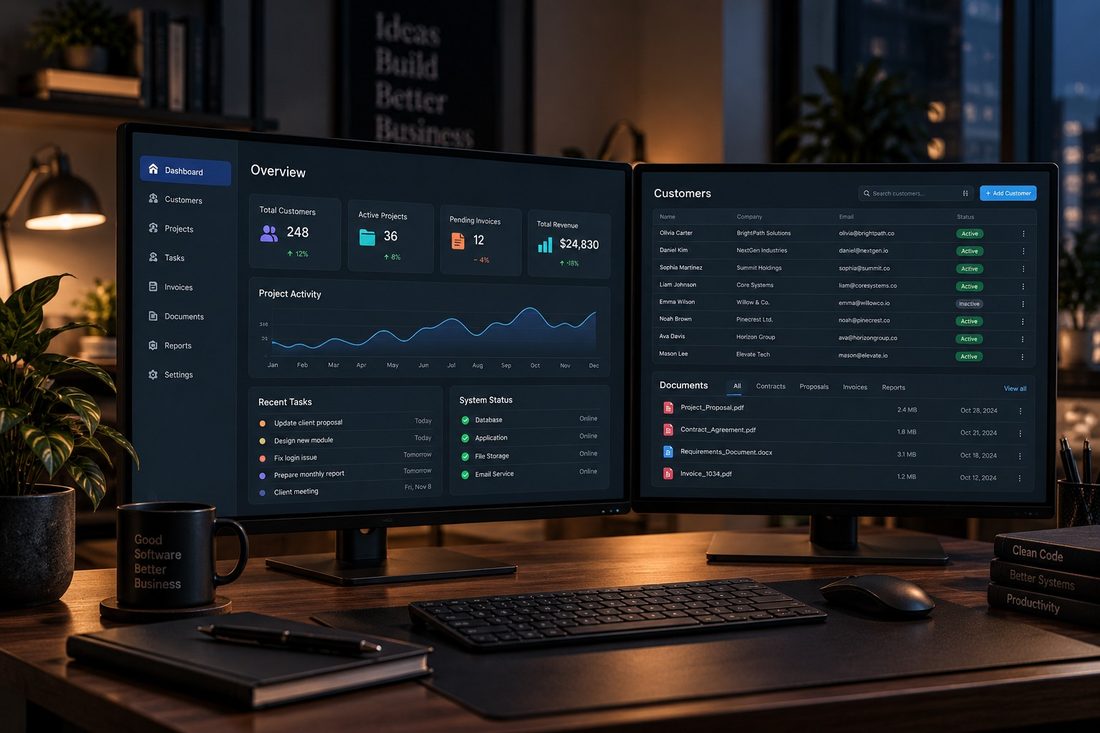
Software that runs on your own machines, holds your own data, and keeps working when the internet does not. Based in Dundee, working with businesses across Scotland and the United Kingdom.
From £1,585Starting price. Final cost depends on what the project needs.
Internal tools that never need to leave the building
Anyone who would rather their data sat on their own machine
Operations replacing an ageing Windows program
Staff tools where speed matters more than remote access
What it solves
An old program that still works but nobody supports
A subscription for software that does far more than you need
Work that stops when the connection drops
Data held by a supplier rather than by you
A process built around a spreadsheet and a paper diary
Reporting that means copying numbers by hand
What can be included
Not every project needs everything here. The scope is agreed before work starts, and the quotation reflects what you actually asked for.
Day to day
Customer management
Calendar and scheduling
Jobs and job history
Quotes and invoices
Parts and stock
Output
Reporting
Document generation
Automated calculations
Printing and exports
Underneath
Local database
User accounts and access levels
Backups and data export
API integrations where wanted
A sensible update process
Local or internal software for planning, client management, documents, reminders, workflows and structured business data.
Security can include
Different access levels for users and administrators
Validated information and safe database operations
Protected configuration and careful storage of sensitive settings
Appropriate encryption for information that is stored or transmitted
Activity records, backups, exports and restore testing
Controlled connections to cloud databases or other systems when needed
Update planning, a documented handover and clear data-retention rules
Possible functions
Customer and service workspaces
Questionnaires, reports and document templates
Dashboards, tasks, reminders and approval stages
Databases, automation and carefully limited artificial-intelligence features
What you get out of it
Works whether or not the internet does
Your data stays on your hardware
No monthly per-seat fee for software you already paid for
Fast, because it is not waiting on a network
Built for your process rather than a generic one
What you receive
An installed, working application
A local database holding your data on your hardware
User accounts with appropriate access levels
A working backup and export route, tested
Documentation and a handover session
A clear process for issuing future updates
What is needed from you
A walkthrough of the work the software has to do
Details of the machines it will run on
Any existing data to bring across
Someone available to answer questions during the build
Security considered from the start.
Desktop software is built with access controls appropriate to who uses it, secure configuration, protection of any credentials it needs, validation of what gets entered, a working backup and export route, and a clear process for issuing updates. Where relevant, development practices take recognised guidance from organisations such as OWASP and the UK National Cyber Security Centre into consideration.
Standards and guidance this work follows
Not a certification claim. These are the published references the work is measured against, so the decisions are somebody else's tested thinking rather than only mine.
OWASP
The Open Worldwide Application Security Project. Its guidance on authentication, access control, input validation, session handling and safe error messages informs how anything with a login or a form is built.
Information Commissioner’s Office
UK data protection guidance. Shapes what a form asks for, how long information is kept, what a privacy notice says, and how cookies are handled.
National Cyber Security Centre
UK government guidance on small business security, account protection, device management and backups. Used as the reference point for what good practice looks like.
Following recognised guidance is not the same as holding an independent certification, and none is claimed here.
How it works
Understand the work
What the software has to do, who uses it, and what it is replacing.
Scope and quote
A written specification and a fixed quotation.
Build and review
Built in stages, with working versions to try as it goes.
Install and support
Installed, data brought across where there is any, staff shown how it works.
Pricing
Desktop application
From £1,585
Windows desktop application
Local database
User accounts
Core workflow for your business
Reporting
Document generation
Backup and export
Installation and handover
What moves the price: how many areas the software covers, how much reporting and document generation is needed, whether it connects to anything else, and whether data has to be brought across from an existing system.
Prices shown are starting prices. Final pricing depends on project requirements, functionality, complexity, integrations and third-party services. A clear quotation is provided before work begins.
Common questions
How much does custom desktop software cost?
From £1,585, with the final figure set by scope. A focused tool doing one job well is much less than a full business management system.
Should I choose desktop or web?
Desktop if it runs in one place and must work offline. Web if people need it from several locations or from a phone. There is no reason here to push one over the other. See web applications.
Does it work without internet?
Yes, that is one of the main reasons to choose desktop. Any part connecting to an outside service needs a connection, but the core keeps working.
Who holds the data?
You do. It sits on your machine or your own server, with backups so that is not a single point of failure.
Privacy-first website: essential storage is used only to remember that you closed
this notice. No analytics or advertising trackers are enabled by this theme.
Read the Cookie Notice
How this service runs
The steps
Drag sideways · Click a card to bring it forward · Esc to close